
In this guide
Before you start
Complete the setup before the host begins the presentation.
Live meeting audio captured by kkamagi can be sent to your selected provider. Follow the host's rules and your organization's privacy requirements.
1
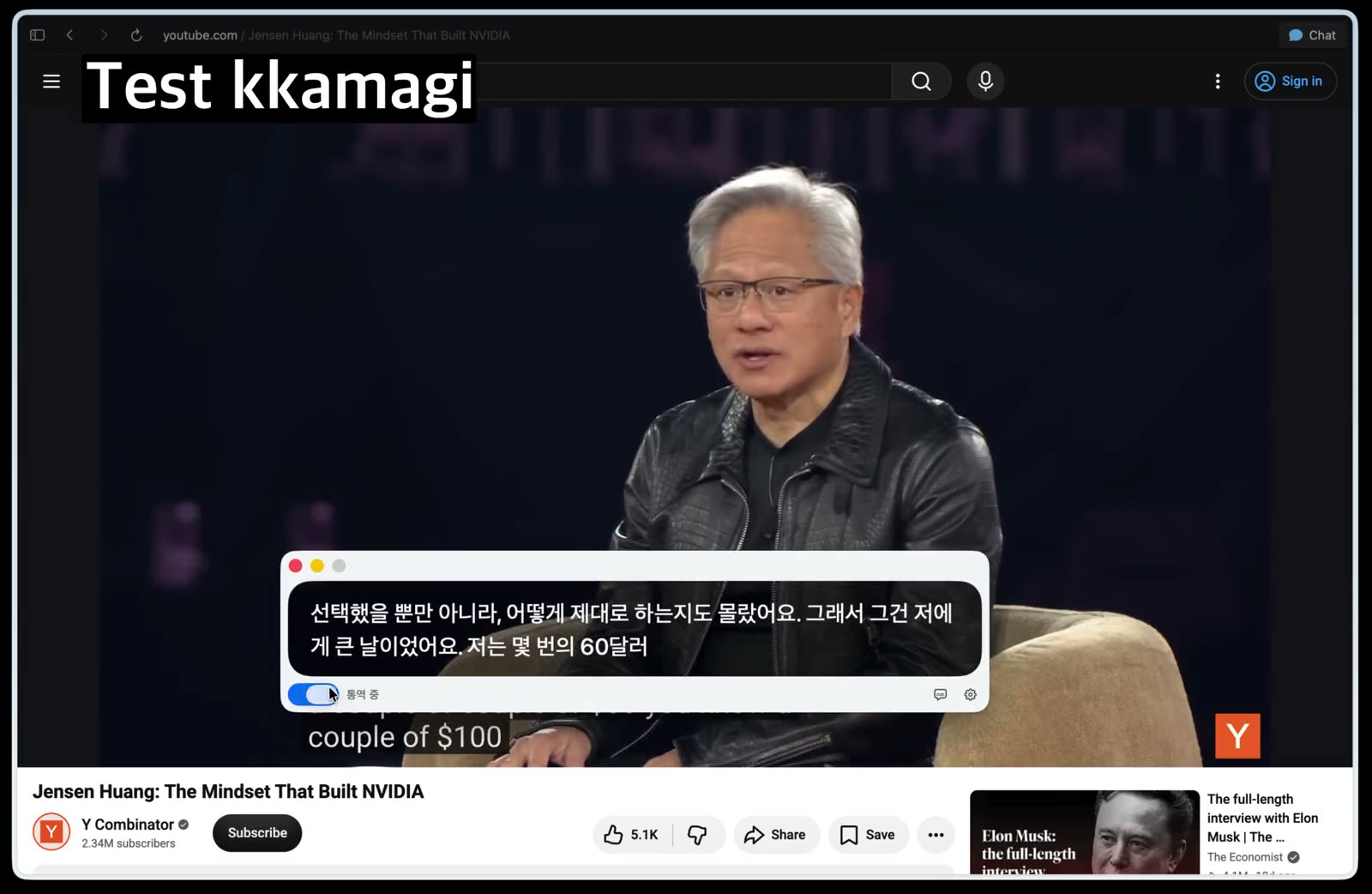
Join the webinar with computer audio
Open the webinar early and choose computer audio in Zoom. Confirm that the presenter's voice plays through the Mac before opening interpretation.
2
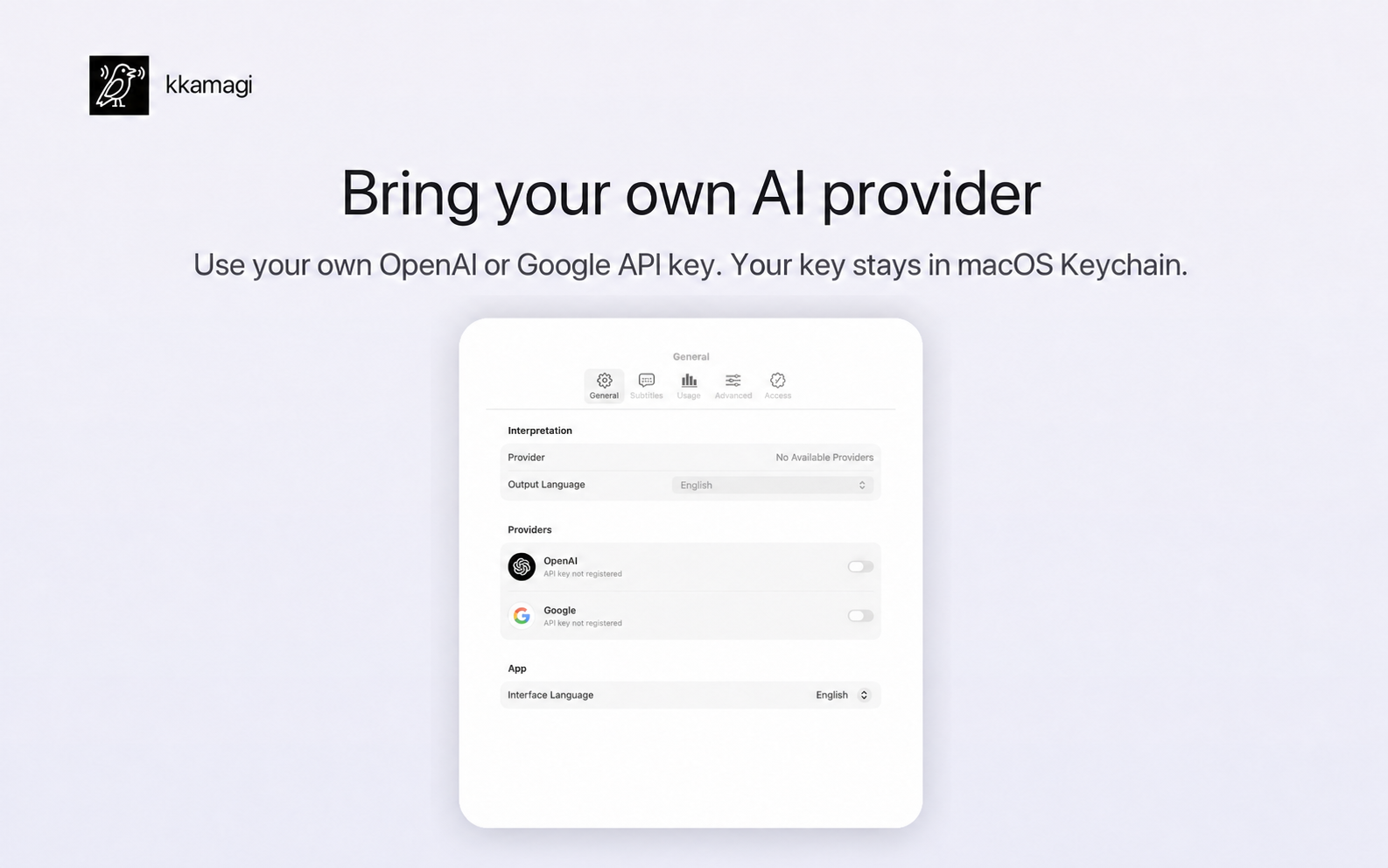
Choose system audio in kkamagi
Open kkamagi and select system audio as the input. Keep the webinar connected, but wait to start interpretation until the speaker begins.
3
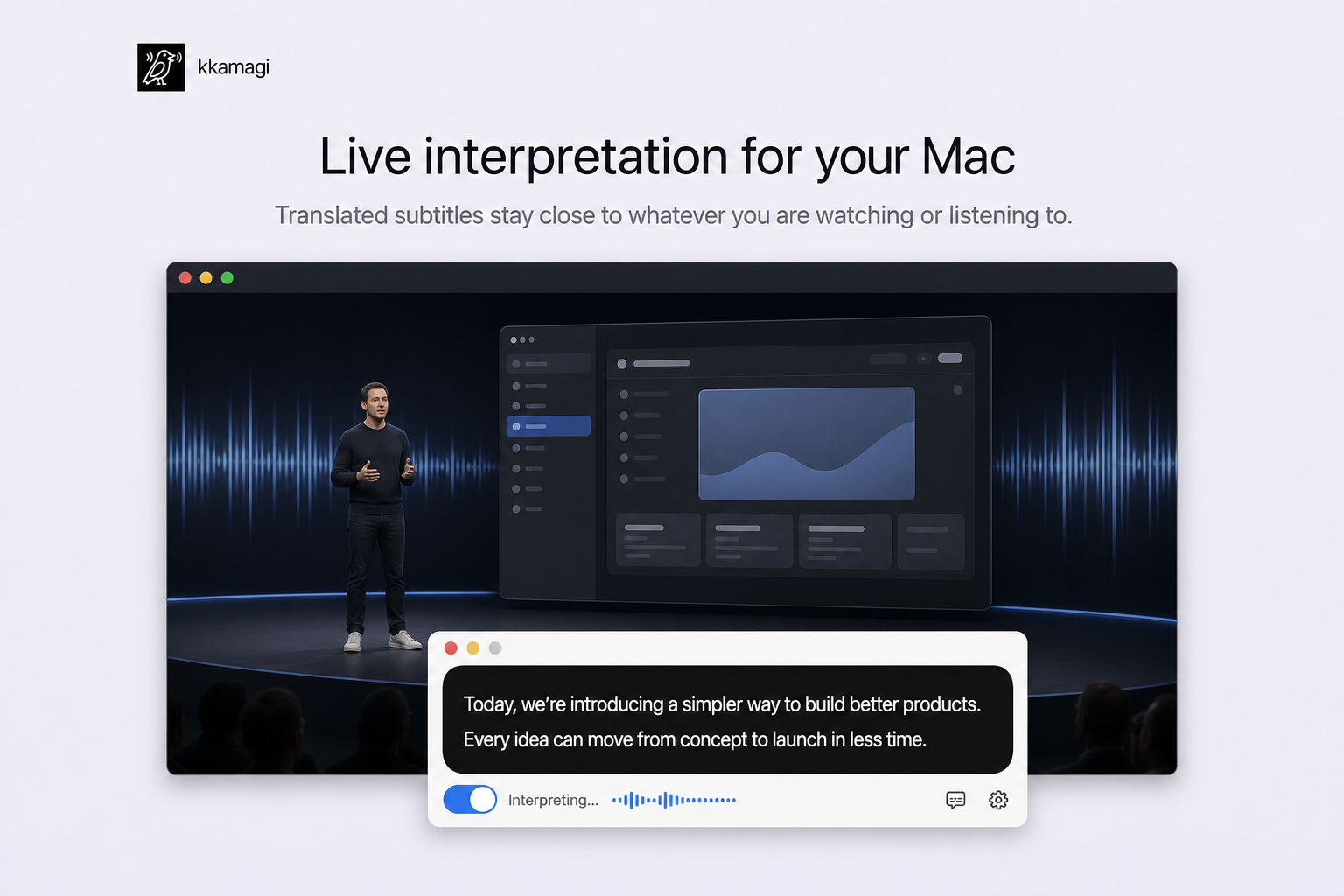
Set Korean captions and interpretation voice
Choose Korean as the output language and select a voice. Balance the original audio and interpretation so the speaker remains audible without covering the Korean voice.
4
Check the first few minutes
Start interpretation when the presentation begins. Watch the slides, listen to the Korean voice, and use translated captions only when you need to confirm a name or technical term.
Stay with the live presentation
For your first test, choose a webinar whose topic you already know. Interpretation accuracy and delay can vary with the speaker, network, and provider, so adjust the audio balance before an important session.
Try kkamagi free