
In this guide
Before you start
Prepare these items before playing the episode.
Audio that kkamagi captures can be sent to the provider you select. Review the provider and privacy settings before starting.
1
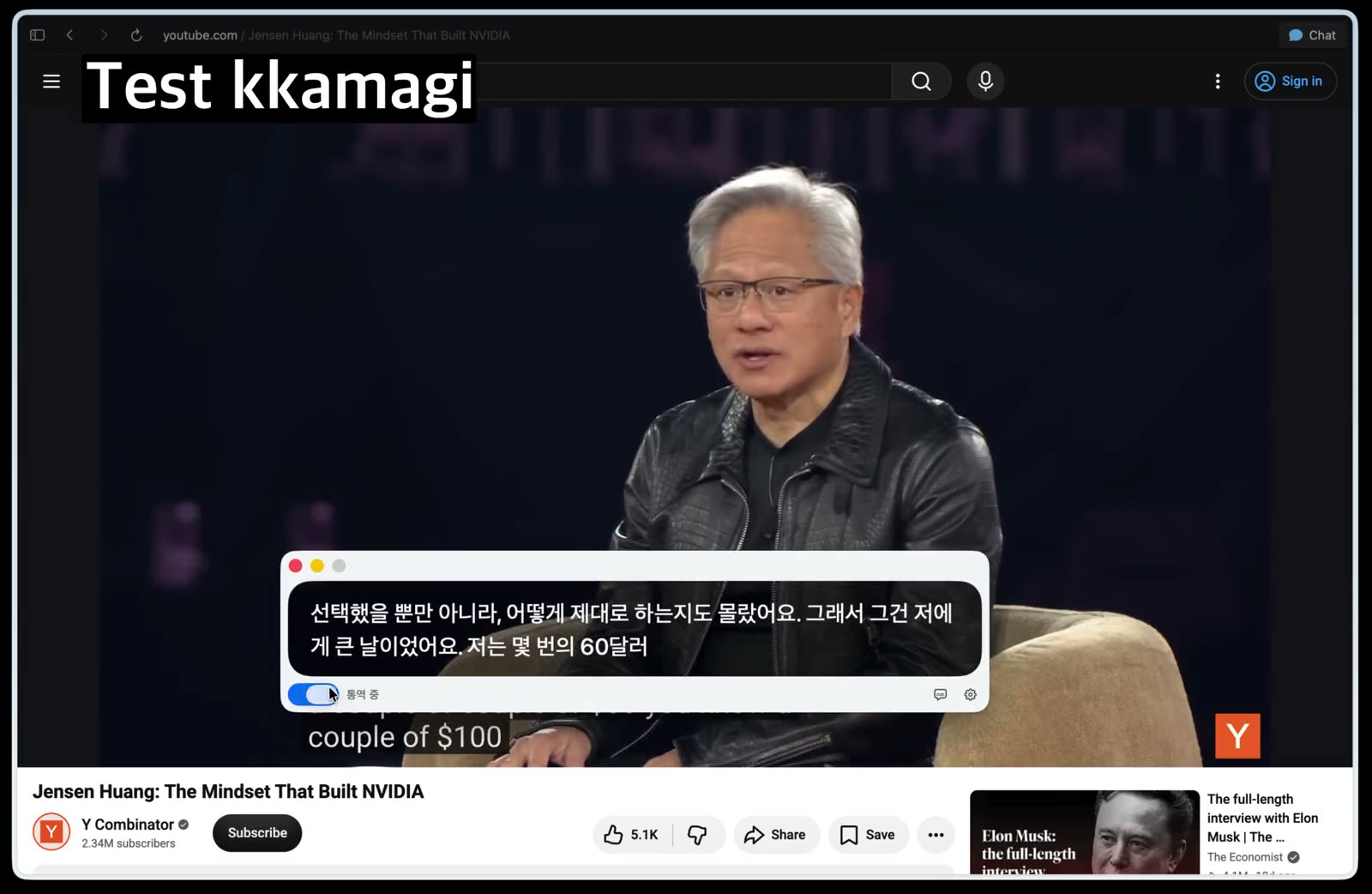
Choose an episode with clear speech
Start with an interview or lecture that has one speaker at a time and limited background music. Clear speech makes it easier to judge whether the listening setup works for you.
2
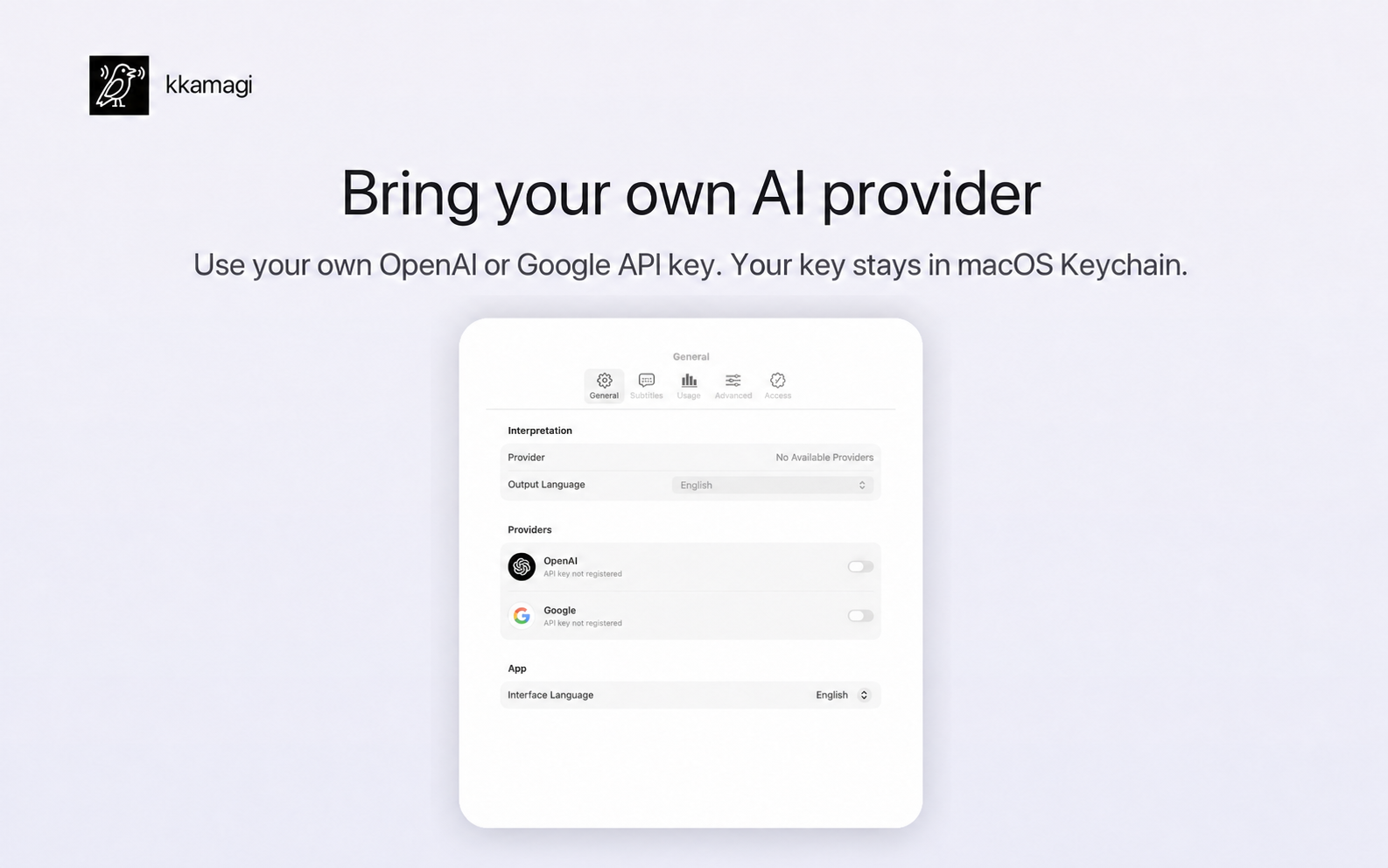
Select system audio in kkamagi
Open kkamagi and choose system audio as the interpretation input. Keep the podcast paused until the input and provider settings are ready.
3
Set Korean captions and voice
Choose Korean as the output language and select an interpretation voice. Adjust the original-audio balance so the interpretation remains easy to hear.
4
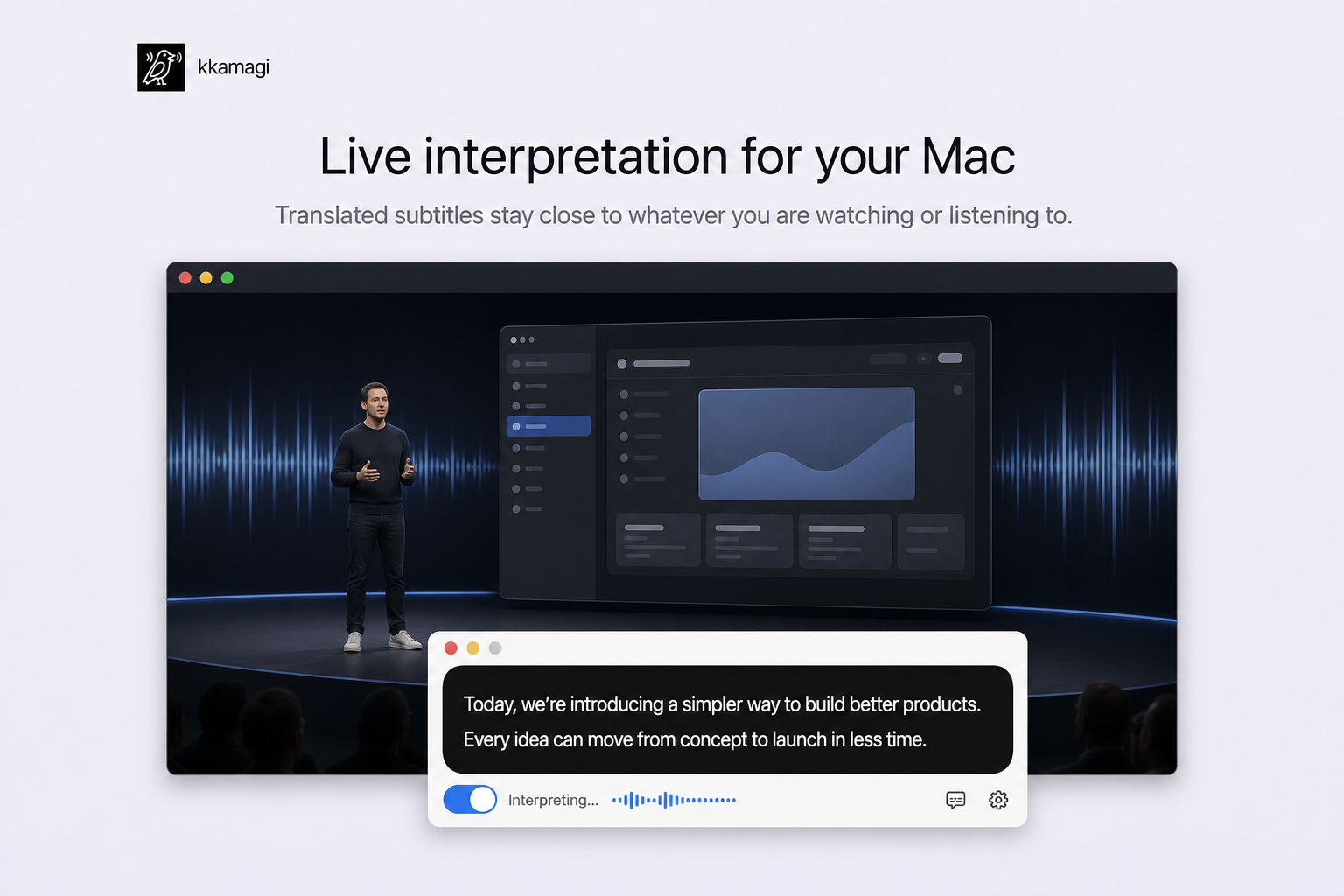
Play the podcast and start interpretation
Play the episode, turn interpretation on, and listen for a few minutes. Use the translated captions to check a phrase when needed without keeping your attention on the screen.
Keep your attention on the conversation
Once the settings feel comfortable, try a longer episode in a topic you already know. Familiar context makes it easier to adjust to interpreted listening.
Try kkamagi free