
In this guide
Before you start
Have these three things ready for a smooth interpretation session.
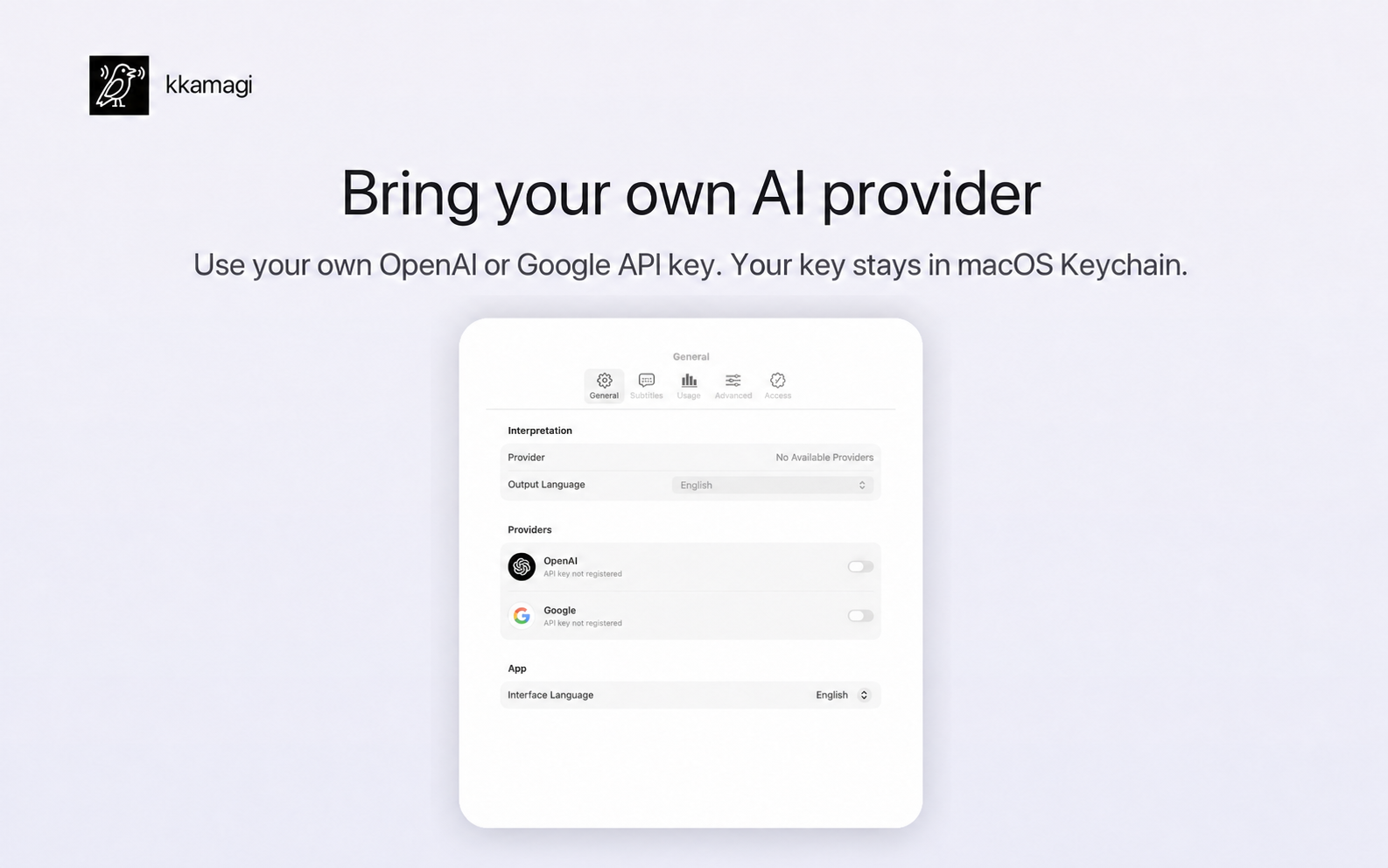
Your API key is stored in macOS Keychain. Never share it with anyone else.
1
Choose system audio
Open kkamagi and select System Audio as the interpretation input. It is now ready to hear compatible sound playing on your Mac, including your browser.
2
Set the language and voice
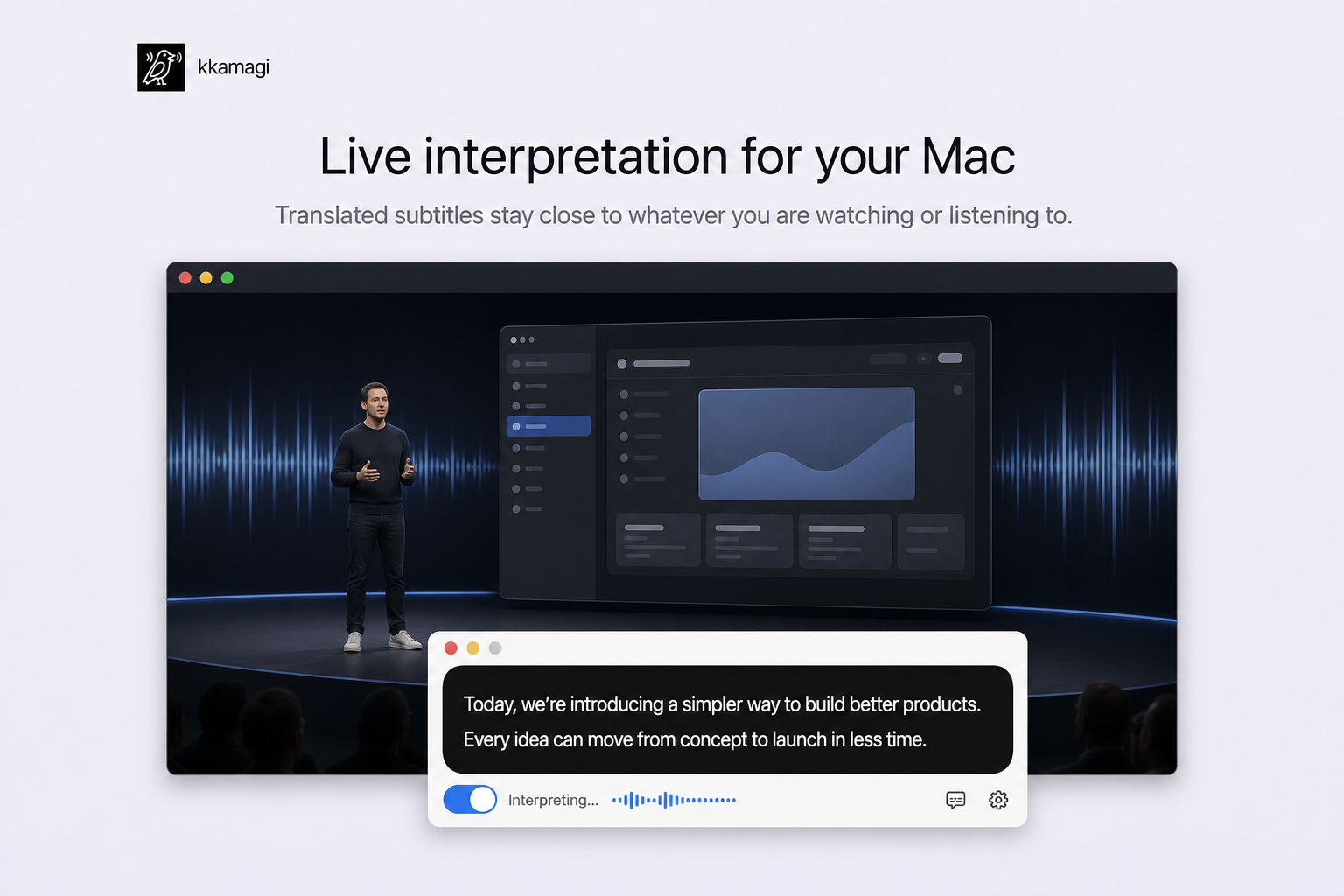
Choose your output language and preferred interpreted voice. Lowering the source volume can make interpreted speech easier to hear.
3
Play YouTube and listen
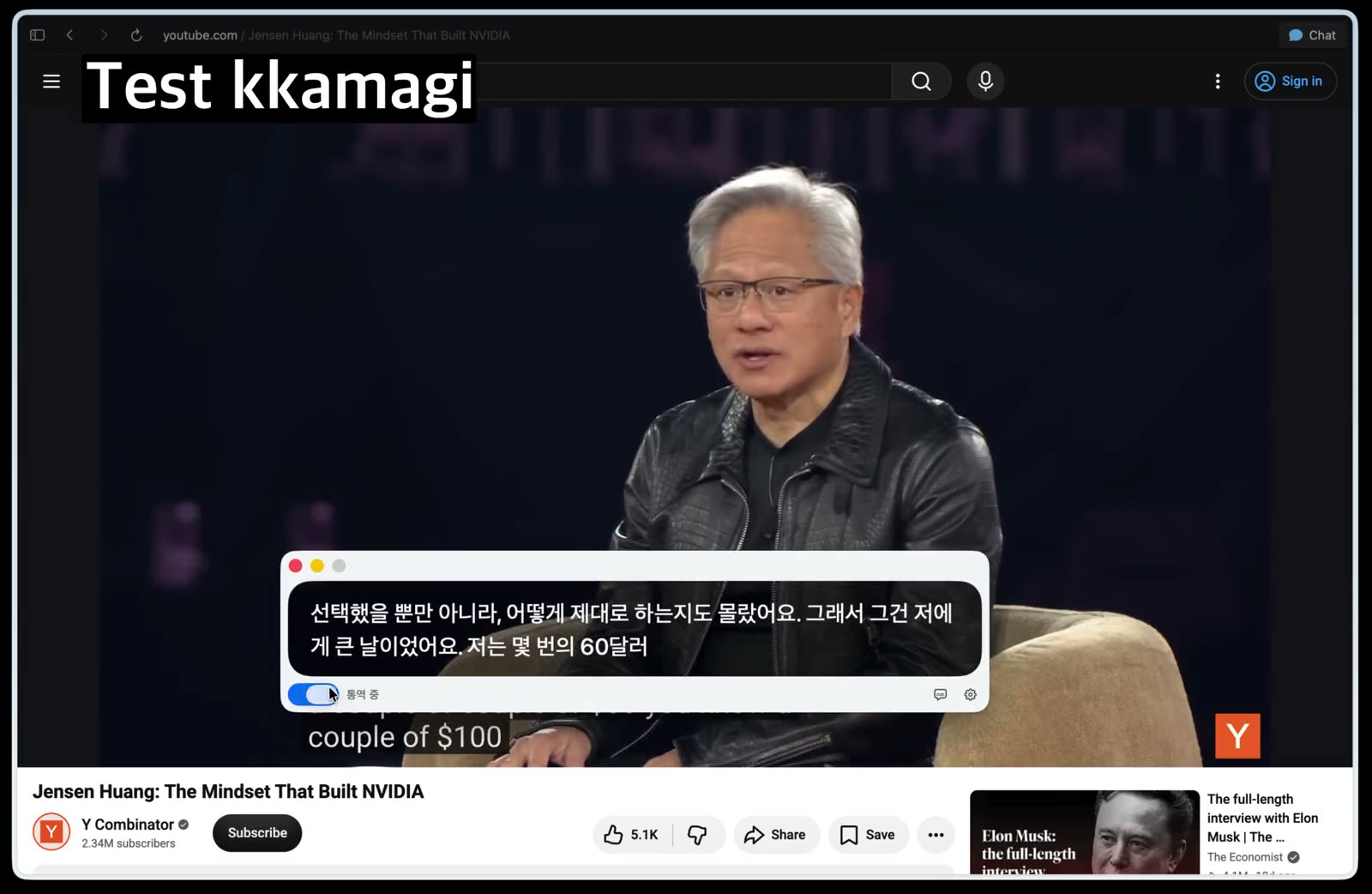
Start the YouTube video, then turn on interpretation in kkamagi. Translated captions and interpreted speech begin together, so you can follow the flow without constantly reading.
4
Improve interpretation quality
Start with videos that have clear speech and little background music. A slightly slower playback speed and a single long-form speaker make it easier to learn the rhythm.
Focus on the ideas instead of the subtitles
You only need to set it up once. With your next English video, follow the speaker, slides, and story instead of chasing every caption on screen.
Try kkamagi free