
In this guide
Before you start
Prepare your Mac and provider before playing the content.
Captured audio can be sent to the provider you select. Translation text, timestamps, and the system-audio source name can also remain in local history on your Mac.
1
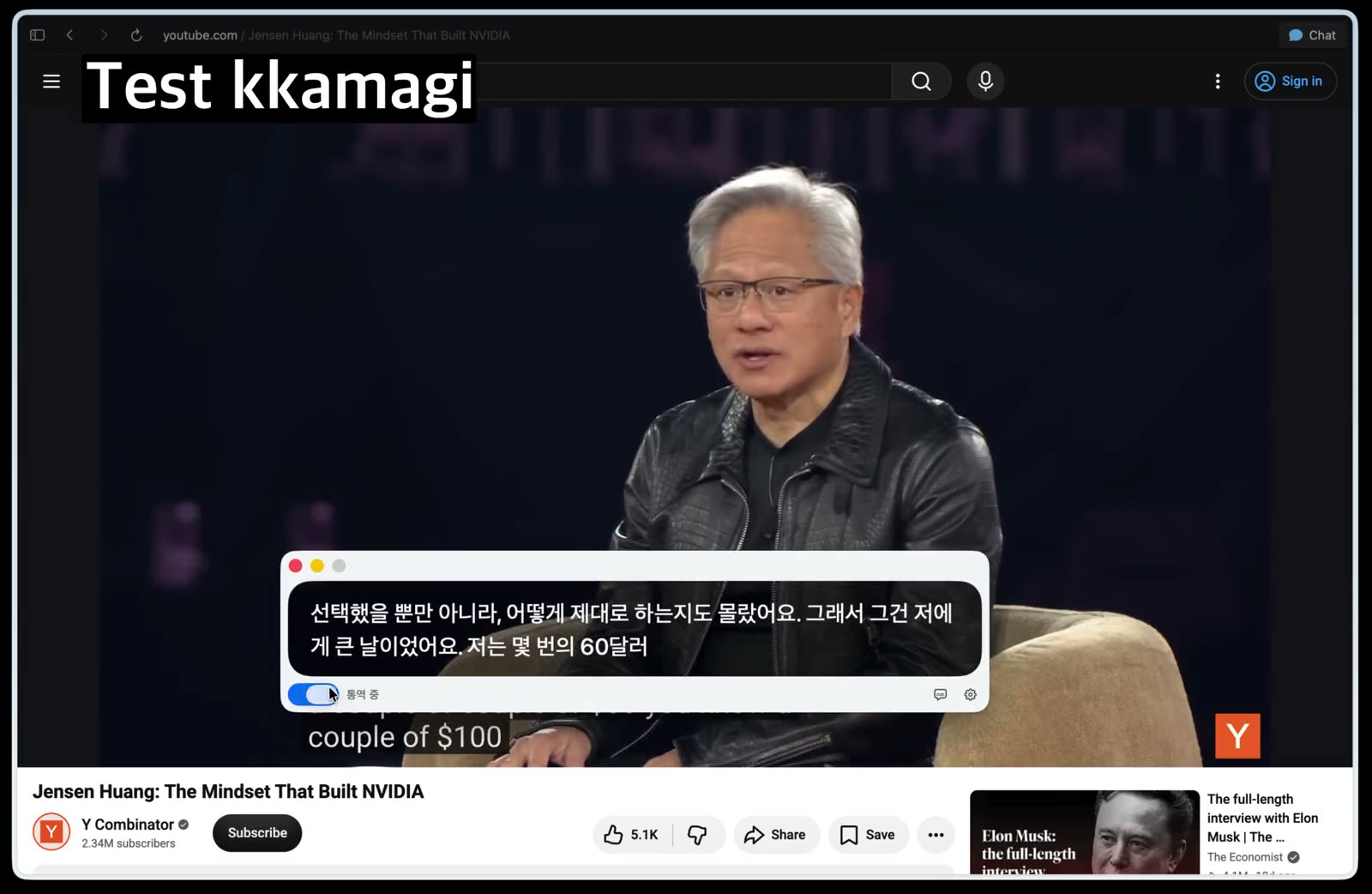
Check the Mac output device and volume
Play a short sample and confirm that it is audible through the output device selected in Mac Sound settings. Set a comfortable volume before opening interpretation.
2
Select system audio in kkamagi
Open kkamagi and choose system audio as the interpretation input. This lets you work with audio that is already playing on the Mac rather than a separate microphone input.
3
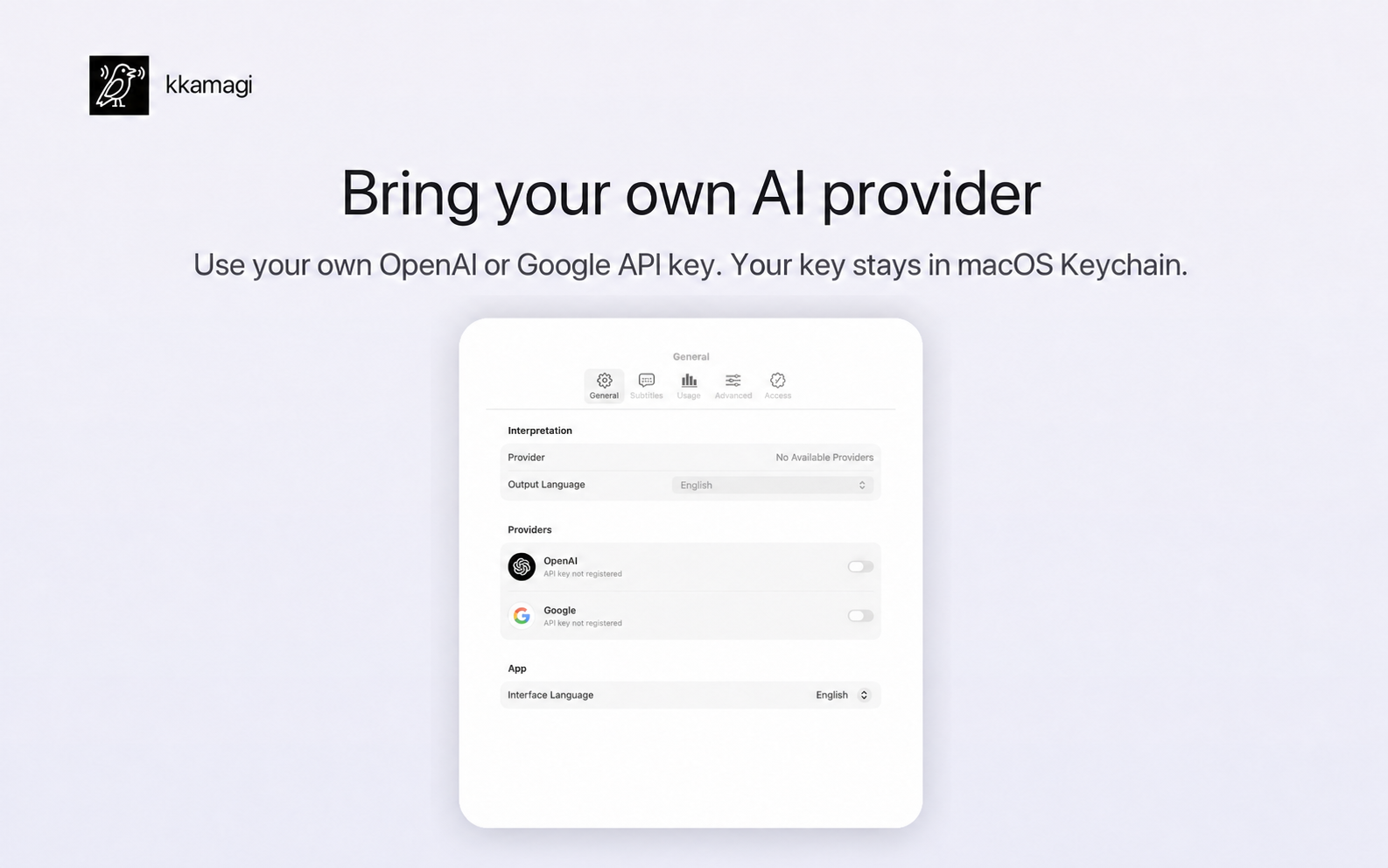
Choose the output language and provider
Select Korean as the output language, connect your OpenAI or Google API key, and choose an interpretation voice. The key is stored in macOS Keychain.
4
Run a short test and adjust the balance
Start with one or two minutes of clear speech. Listen to the interpretation, check the translated captions, and adjust the balance between the original audio and interpretation voice.
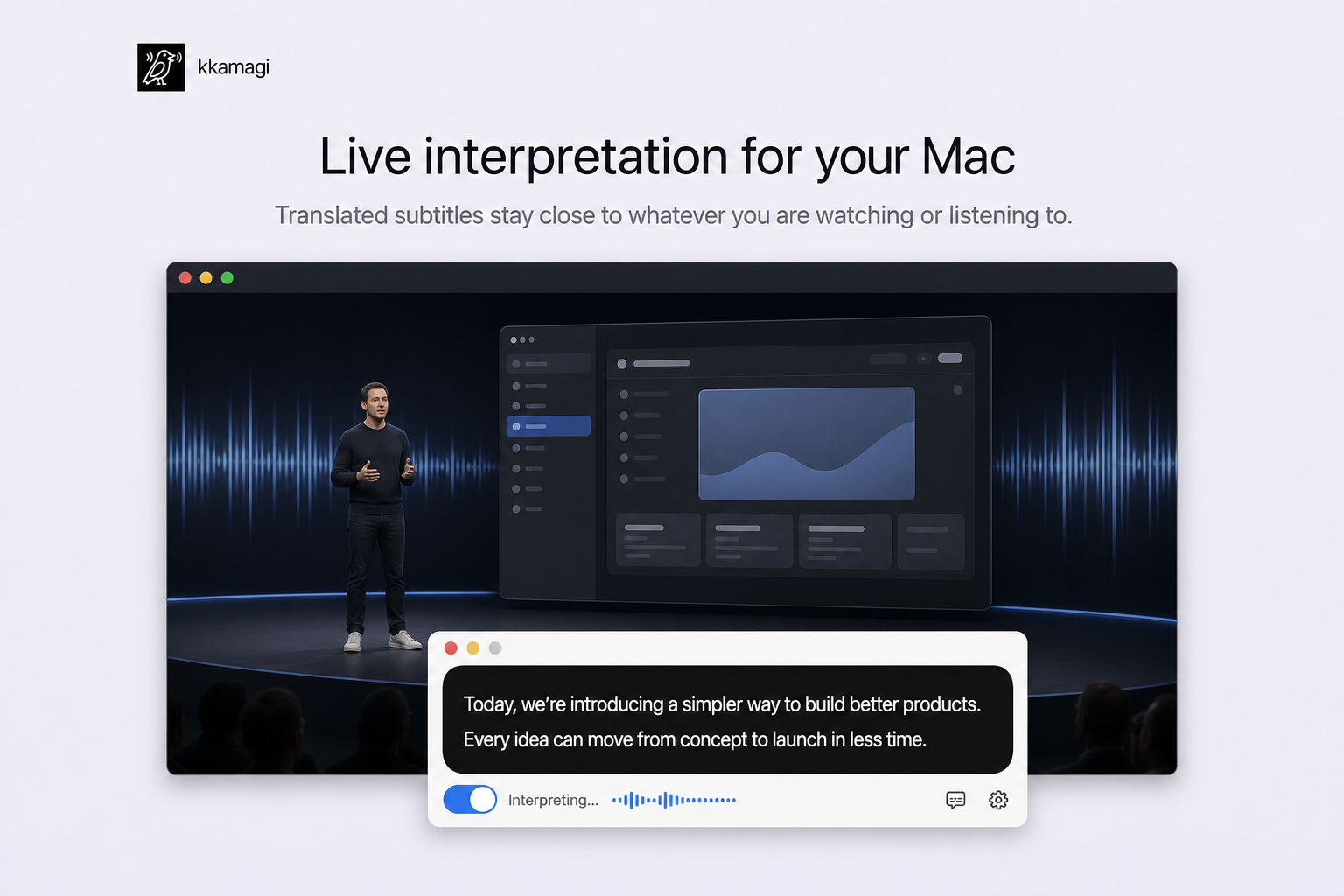
Use one listening flow across different content
Once the setup works, reuse it for videos, lectures, podcasts, or live events played on the Mac. Accuracy and delay can vary with content, network, and provider.
Try kkamagi free